
Service Area SEO: How Home Services Contractors Rank in Multiple Cities Without Spamming Google
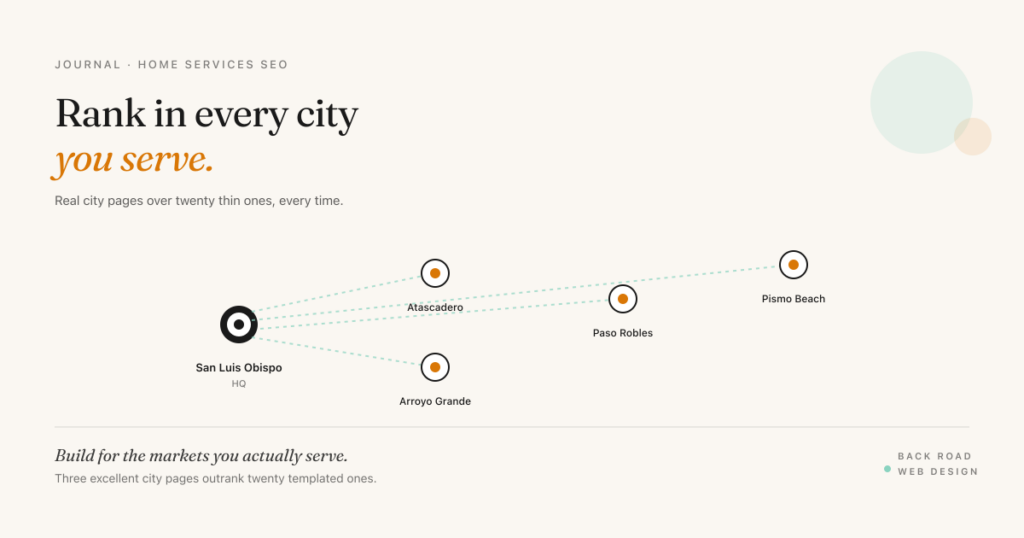
If you’re a home services contractor on the Central Coast, you probably serve more than one city. A San Luis Obispo plumber takes calls from Arroyo Grande, Pismo Beach, Atascadero, Paso Robles, Morro Bay. A Santa Maria HVAC company services Orcutt, Lompoc, Nipomo, Guadalupe. The reality of the work is multi-city. The way most contractor websites are built is single-city.
That mismatch is the entire reason your site doesn’t rank for “[your service] [neighboring city].” This post walks through what service area SEO actually is, the four mistakes that get sites devalued or penalized, the structure that ranks honestly, and the schema markup that ties it all together.
What “service area SEO” means
A service area business is one that goes to the customer instead of the customer coming to you. Plumbers, HVAC contractors, electricians, tree service, junk removal, lighting installers, painters, pest control. Some have a single shop or office. Most don’t have a storefront customers visit.
Google treats these businesses differently from brick-and-mortar in two important ways. First, the local pack ranking is heavily proximity-weighted to the searcher’s location and to the verified address on your Google Business Profile. A 2025 analysis of 3,269 local businesses by Search Atlas found proximity drives roughly 55% of ranking decisions across positions 1–21, with review count second at 19%. That means if your shop is in San Luis Obispo and someone searches from Paso Robles 30 minutes away, you start at a structural disadvantage in the map pack — even if your website is excellent.
Second, the organic blue-link results below the local pack are far more accessible. This is where service area SEO lives. Build a real, useful page about your service in Paso Robles, and you can earn the organic ranking even when the map pack stays loyal to closer competitors. Most of your search traffic from secondary cities will come through this organic position, not the map.
The four mistakes that kill service area pages
Mistake 1: One generic “Service Areas” page listing every city
The most common pattern: a single page on the site titled “Service Areas” with a bullet list — “We serve San Luis Obispo, Arroyo Grande, Pismo Beach, Atascadero, Paso Robles, Morro Bay, Los Osos, Nipomo, Avila Beach, Santa Maria.” It looks thorough. It ranks for none of them.
Google needs a page-per-city to confidently surface that city for the relevant search. A list is metadata, not content.
Mistake 2: Templated city pages with the name swapped in
The opposite extreme is just as bad. Build a template — “Plumbing services in [CITY]. Our experienced plumbers in [CITY] handle every kind of plumbing emergency in [CITY]” — then ship it 20 times with different city names.
Google’s spam systems are explicitly trained to detect this pattern. The penalty isn’t always immediate, but it’s structural. The pages get classified as low-quality, the site’s overall topical authority takes a hit, and the rankings for your real city pages can suffer alongside the templated ones. Recovery from a manual penalty for thin content can take 6–12 months.
Mistake 3: Fake addresses or virtual offices
Some contractors set up virtual office addresses or rent mailbox suites in target cities to claim local presence on Google Business Profile. This violates Google’s guidelines on representing your business, which require a physical address where the business is staffed during stated hours. Fake addresses get profiles suspended, sometimes permanently. It’s not worth the risk.
Mistake 4: Over-claiming the service area
If you’re a one-truck operation in Atascadero, your honest service area is probably North County SLO. Listing 30 cities — including Santa Barbara, Ventura, Los Angeles — to capture more search traffic backfires. Google is increasingly good at sensing prominence in a market: review density, brand mentions, citations from local sources. A profile claiming Los Angeles with zero LA reviews doesn’t rank in Los Angeles. It just dilutes your topical authority everywhere.
The structure that ranks
The right structure separates services from locations. Services pages cover what you do. Location pages cover where you do it. Each combination — service + city — gets a real page when the city is a meaningful market for you.
Here’s how a Central Coast plumber’s URL structure should look:
- Service hub: /services/emergency-plumbing/
- City hubs: /service-area/paso-robles/, /service-area/atascadero/, /service-area/arroyo-grande/
- Service + city pages (when the volume justifies it): /service-area/paso-robles/emergency-plumbing/
Don’t build every combination. Build the ones that are real markets — where you do real work, have real customers, and could earn real reviews from people in that city. Three meaningful service-city pages outrank twenty thin ones, every time.
What goes on a city page that earns the ranking
Real local content is the difference between a page that ranks and a page that gets ignored. The components that signal genuine local presence:
- An honest description of why you serve this city. Not a paragraph of fluff — actual context. “Our trucks roll out of San Luis Obispo, so Paso Robles jobs typically get same-day or next-morning service.” That kind of specificity reads as real because it is.
- Local landmarks or neighborhoods you’ve worked in. Naming actual neighborhoods (“we’ve done work along Vine Street, in Templeton, and out toward the airport”) tells Google you have ground knowledge of the area.
- Reviews from customers in that city, displayed on the page. Reviews from Paso Robles customers on the Paso Robles service page are a stronger relevance signal than reviews scattered across your homepage.
- Photos of jobs in that city. Geo-tagged where possible. Google reads EXIF data when it can.
- Local context — climate, terrain, building stock — that genuinely affects the work. A roofer’s Paso Robles page can talk about the wind exposure on the east side. A tree service’s Cambria page can talk about coastal Monterey pine die-off. This is content competitors can’t fake from out of town.
- A local contact path. A clear phone number, an explicit “we serve [city]” statement, and an unmistakable call to action.
The schema markup that ties it together
LocalBusiness schema is the foundation. On your homepage and main service pages, you publish a single LocalBusiness entity with your verified address, hours, and the geographic areas you serve. Use the areaServed property to specify the cities — typed as City, with the state or county for disambiguation.
Here’s a minimal example for a Central Coast plumber:
{
  "@context": "https://schema.org",
  "@type": "Plumber",
  "name": "Example Plumbing",
  "address": {
    "@type": "PostalAddress",
    "streetAddress": "123 Main Street",
    "addressLocality": "San Luis Obispo",
    "addressRegion": "CA",
    "postalCode": "93401"
  },
  "telephone": "+1-805-555-0100",
  "areaServed": [
    { "@type": "City", "name": "San Luis Obispo" },
    { "@type": "City", "name": "Paso Robles" },
    { "@type": "City", "name": "Atascadero" },
    { "@type": "City", "name": "Arroyo Grande" }
  ]
}
For each individual city page, you can use Service schema with its own areaServed pointing to that specific city, plus FAQ schema if the page includes a city-specific Q&A section. Validate everything in Google’s Rich Results Test before declaring it shipped — schema that doesn’t validate doesn’t help.
One important note: the address property is required for LocalBusiness schema. If you have no public address, don’t fake one. Use Organization schema instead and rely on the structured areaServed lists rather than full LocalBusiness on city pages without an address.
Score your service area SEO readiness
Eight items that determine whether your contractor site can rank in multiple cities honestly. Tap each item that’s already in place.
Service Area SEO Readiness · 8 Items
Score your readiness.
Where to start if you’re rebuilding
Start with the cities where you already have customer density. Pull a list of the last 50 jobs and group by city. The top three or four cities are your priority pages — that’s where the real work has happened, where reviews can be earned, where local content is honest because it’s based on real experience. Build those pages well before adding any others.
Once those are ranking, add the next tier. The compound effect of three excellent city pages plus rising reviews per market is what produces the steady increase in organic traffic. The shortcut — twenty thin pages built in a weekend — produces nothing but the risk of a penalty.
Want a custom audit of your contractor site’s local SEO?
I’ll review your URL structure, city pages, schema markup, and Google Business Profile — then send you a written report with the specific actions ranked by impact.
Get a free home services SEO audit →